Skip to content

6 Essential Steps for Responding to a Ransomware Attack
No business likes to think what would happen if it were to fall victim to a ransomware attack. In an ideal world, malware defenses would work perfectly and block any attempted intrusions before they have a chance to enter the network. But in the real world, this isn’t always the case.
Even if you’ve got the most comprehensive tools and technologies in place to guard against these attacks, issues such as zero-day vulnerabilities or careless employees mean 100 percent security can never be guaranteed.
Therefore, it’s essential to plan for a worst-case scenario when building your anti-ransomware strategy.
The Importance of a Fully Tested Plan
When you do become aware of a breach, whether through your own monitoring solutions or upon receiving a ransom demand, it’s vital that everyone involved knows what to do. Time is of the essence, so any debates about who’s responsible for what or where resources should be prioritized could end up making the problem worse. That’s why having a detailed plan to refer to as a roadmap is essential.
This should be tested on a regular basis so that security teams, incident responders, digital forensics specialists and other stakeholders all understand their roles, know where to find resources and can enact their plans without delay.
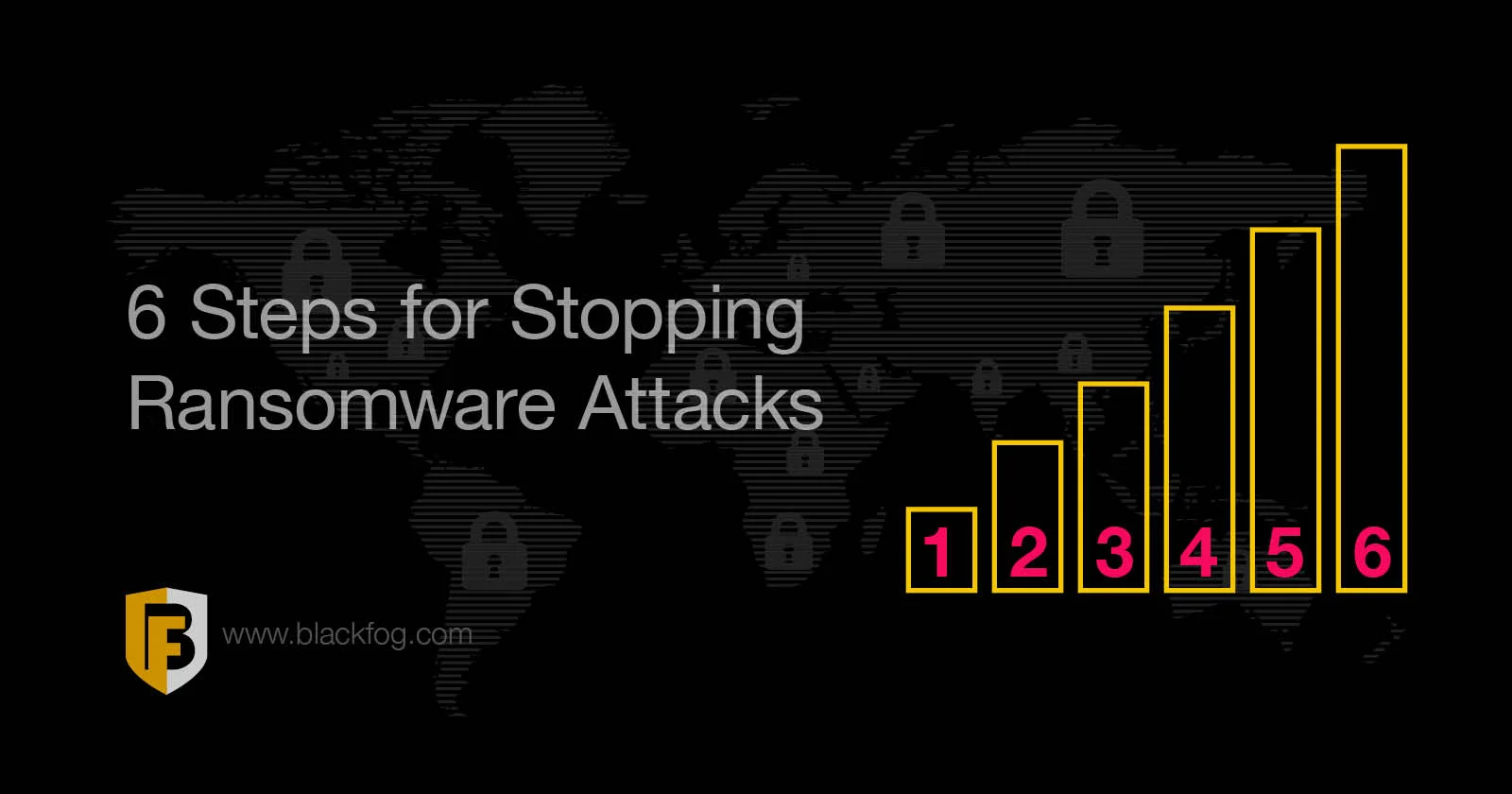
6 Steps to Mitigate a Ransomware Attack
A good plan will cover several actions that must be a priority during a ransomware attack. By following these key steps, firms should be able to ensure they can stop a ransomware attack before it has a chance to spread, minimize their response times and stand the best chance of recovering and securing their most valuable and sensitive data.
1. Isolate the Infected Systems
First and foremost, you need to stop the problem from getting worse. This means disconnecting and quarantining any infected or potentially infected devices from the rest of the network. PCs, laptops, smartphones and other endpoints should be immediately isolated from both wired and wireless networks.
In serious cases where the malware has had a chance to penetrate further into the network before discovery, you may even need to disable core network connections at the switch level and disconnect from the internet altogether.
2. Secure Your Backups
The most important resource for recovering from ransomware attacks without making a payment are your backups. Criminals are well aware of this, which is why many modern ransomware attacks make deliberate efforts to target backup files as well, attempting to encrypt or delete them.
To avoid this, ensure your backup systems are fully disconnected from the network and lock down access to these systems until the issue is dealt with. If you do need to turn to backups to restore systems, they should be scanned in-depth so you can be fully confident that both the backup itself and the devices you’re uploading them to are free from malware.
3. Shut Down Maintenance
The next step should be to disable any regular and automated maintenance tasks, such as file removals, as many of these activities could interfere with your investigation. For example, temporary file logs may contain essential clues about the origins of an attack, as well as potential remedies. However, if these are deleted automatically by routine maintenance activities, this valuable information will be lost.
4. Identify the Variant
It’s important to understand exactly what strain of ransomware you’re infected with. This can tell you a lot about who is targeting you, what you need to do in order to recover and what capabilities it may have. Knowing this is vital in both containing the incident and removing it from your systems.
Identifying the specific type of ransomware can be complex, but there are a range of tools you can turn to in order to help with this. These may analyze a snippet of the code or review ransom notes looking for common features, for example.
5. Initiate Recovery Efforts
Once the ransomware is contained, the next step will be to eradicate it from your systems before recovery operations such as restoring backups can begin. Before doing this, it’s important to capture a system image of any infected devices for use in the investigation. CISA also advises firms to collect any relevant logs, as well as samples of any ‘precursor’ malware and associated activities, such as suspected command and control IP addresses, suspicious registry entries, or other relevant files detected.
When this information is captured, you can triage your systems to identify those that are the highest priority for restoration, safely wipe infected devices, reinstall systems and run antivirus scans to ensure all signs of infection are gone before you restore backups and reconnect to the network.
6. Report the Incident
After the immediate danger is dealt with, you can look towards bringing in law enforcement to further investigate the incident. They may be able to track down and recover any ransom paid, as well as identify ransomware groups and shut down any future activities.
If you’re lucky, law enforcement may even be able to provide you with decryption tools to help recover your files, especially for certain older ransomware variants. This is by no means a given, however, so you shouldn’t be relying on this as a way of getting data back.
In some cases, reporting will be a regulatory requirement, especially if the attack has successfully exfiltrated personally-identifiable data. Therefore, it’s important you’re aware of how quickly you must do this. Companies subject to GDPR, for instance, must notify their relevant data protection authority within 72 hours of becoming aware of a breach or risk further financial penalties.