Skip to content

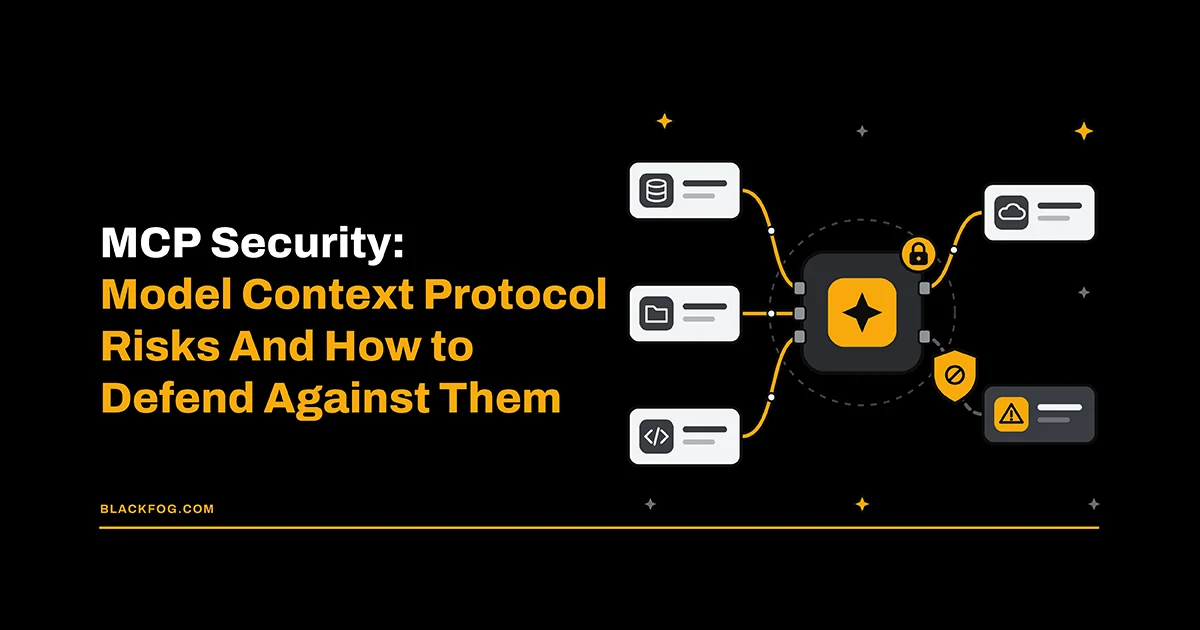
AI is now a routine part of how businesses operate. But with that growth comes a new set of risks and fresh considerations for the cybersecurity professionals tasked with keeping company data safe. One of the most important of these is the Model Context Protocol (MCP), the standard that lets AI models connect to external tools, data and systems.
The opportunities offered by MCP are powerful, but if those connections are not protected effectively, they open new avenues for threat actors, including prompt injection attacks. Weaknesses here can turn a helpful assistant into a route straight into sensitive systems. For this reason, MCP security is a fast-emerging field that businesses will need to prioritize in the years ahead.
What Is MCP Security?
MCP is an open standard released by Anthropic in 2024 that gives AI models a consistent way to connect to external tools, data and systems. In practical terms, it means that instead of building a custom integration for each one, developers can use MCP to allow an AI agent to read a file, query a database or call an API.
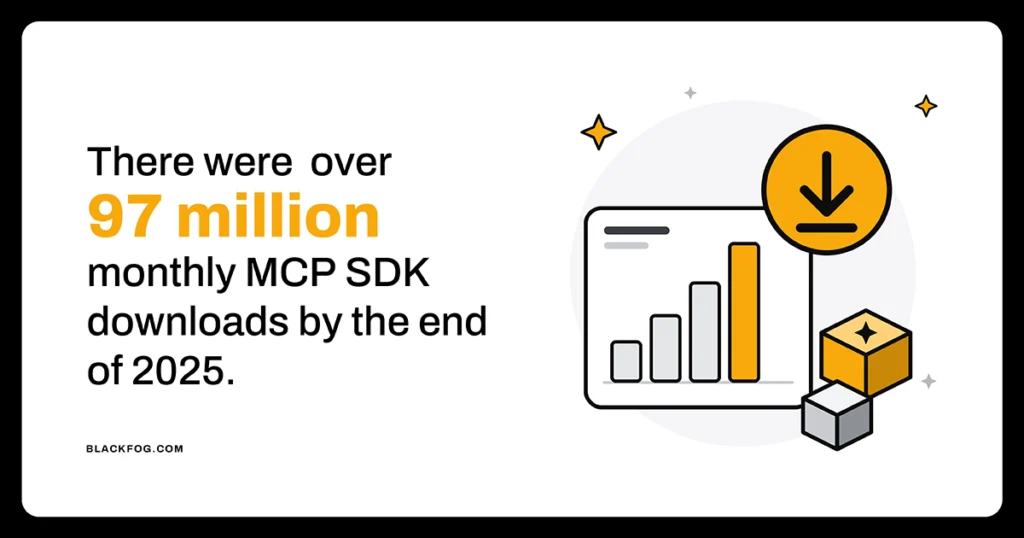
This interconnectivity is at the heart of modern agentic AI tools. Without it, they are much less useful and, therefore, MCP has become widely adopted across a range of industries. By the end of 2025, Anthropic reported there were over 97 million monthly MCP SDK downloads and 10,000 active public servers, with integrations across ChatGPT, Claude, Cursor, Gemini, Microsoft Copilot and more.
An MCP setup consists of three components: the host (the AI application), the client that manages each connection, and the server that provides the tools and data. There are two types of servers: local and remote. Local servers run on the user’s own machine and typically rely on local operating system permissions rather than network-level authentication, giving them direct access to resources on the device. Remote servers live elsewhere and communicate over HTTP, introducing third-party trust requirements, public network exposure and reliance on token-based authentication.
Left unchecked, both offer attack surfaces that can be targeted by threat actors, which is why it’s vital that businesses deploy clear MCP security measures to protect the data and applications their agentic AI assistants manage.
The Biggest MCP Security Risks
Connecting AI agents to live tools and data through MCP brings significant benefits, but it also exposes organizations to a growing range of security risks. As the protocol continues to evolve, new threats can emerge faster than developers can implement effective safeguards. Understanding these risks is the first step towards mitigating them.
Prompt Injection And Tool Poisoning
Indirect prompt injection attacks are one of the biggest threats to MCP servers. Often this comes in the form of tool poisoning – a specific subtype of these threats where attackers hide instructions inside a tool’s description, metadata or the data a server returns. The model reads these as legitimate commands no human ever sees. The agent can be pushed into leaking sensitive data, misusing connected systems or taking actions the user never approved.
Rug Pulls And Changing Tool Definitions
A ‘rug pull’ works by exploiting the fact that once a tool is approved, its security is rarely revisited. An MCP server can look harmless when first connected, but then quietly rewrite its tool definitions once in use, so the permissions that were originally granted no longer match what the tool does. Because most reviews happen only at install, the change goes unnoticed, letting a once-trusted server exfiltrate data or steer the agent toward malicious actions.
Malicious Or Unvetted MCP Servers
MCP servers are simple to add, with thousands available in public registries and marketplaces, so developers or employees often connect one to extend an assistant without a security review. That matters, because research has indicated that around 40 percent of public MCP servers expose their tools with no authentication at all. A malicious or compromised server can then steal data, harvest access tokens or push the agent into harmful actions across connected systems.
Token Theft And Credential Exposure
To access connected services, MCP servers may use credentials such as OAuth tokens or API keys. These credentials can be broadly scoped, long-lived or left in plaintext configuration files on the device making them vulnerable to theft or exposure. If compromised, an attacker can use them to impersonate the server and reach every downstream system that credential unlocks, quietly exfiltrating data without ever breaching those systems directly.
Command Injection And Remote Code Execution
Some MCP servers, especially local ones, pass incoming input to the operating system. When not properly validated, an attacker using these can slip in extra shell commands, turning a routine tool call into remote code execution on the host. From there, they can run arbitrary code, steal data, install malware or move deeper into the network, all with the privileges the server holds.
Excessive Permissions And Scope Creep
Agents and the servers they rely on are often handed broader access than any task requires, with those permissions tending to accumulate rather than being pared back. This excess turns a minor compromise into a major one. When an over-privileged agent is hijacked, the attacker inherits everything it can reach, so a single foothold can expose data and systems across the business.
Examples Of Proven MCP Security Vulnerabilities
Research into MCP risk is ongoing, with security teams regularly uncovering serious flaws. Several have already moved from theory to real-world vulnerabilities.
- mcp-remote (CVE-2025-6514): A critical flaw in the widely used mcp-remote proxy let a malicious server execute operating-system commands on any machine that connected to it. Found by JFrog, it risked full system compromise across more than 437,000 installations.
- MCP Inspector (CVE-2025-49596): A missing-authentication flaw rated CVSS 9.4 in Anthropic’s own MCP debugging tool meant a developer who visited a malicious website could have arbitrary code run on their machine, enabling data theft and lateral movement. Oligo and Tenable reported it before it was patched.
- GitHub MCP server: Researchers demonstrated that a hidden instruction planted in a public issue could coerce a connected agent into leaking a user’s private repositories into public view, exposing confidential source code and personal data to anyone watching.
- Asana: In June 2025, an access-control bug in Asana’s MCP feature exposed task and project data belonging to roughly 1,000 organizations to other customers. This was a real cross-tenant leak caused by a permissions logic error, not an outside attacker at all.
What The NSA’s MCP Security Guidance Says
The National Security Agency’s Artificial Intelligence Security Center published its first formal MCP guidance in May 2026, warning that rapid adoption of the technology has outpaced the protocol’s security model. The guidance flagged a range of risks, including weak access controls, poor approval workflows, token lifecycle gaps, unsafe tool execution and limited audit logging.
Its advice is to treat any MCP rollout as an inventory, access-control and monitoring project. Teams are urged to choose well-supported servers, audit their code, define clear trust boundaries, scope permissions tightly and apply the same controls used on any sensitive internal system.
The guidance stresses that MCP security depends heavily on how each deployment is built, so applying effective controls in a task that falls upon every organization adopting it.
MCP Security Best Practices: A Checklist
There is no single solution to guarantee MCP security. However, by following the below range of best practices and controls, drawn from industry and NSA guidance, businesses can ensure their AI deployments are as safe as possible against threats such as prompt injection, poisoning and data exfiltration.
- Inventory every server: Catalogue all MCP servers in use, including shadow ones that staff installed themselves, because unknown connections cannot be governed, monitored or protected.
- Allow only approved servers: Restrict agents to a vetted allowlist, so untrusted or unknown servers cannot be connected without review or approval.
- Pin versions and watch for changes: Lock server versions and alert on any change to tool definitions, the simplest way to catch a rug pull.
- Apply least privilege: Give each server the narrowest, shortest-lived access it needs, and never pass user tokens straight through to downstream services.
- Gate high-impact actions: Require human approval before an agent sends, deletes or shares anything externally, so a single hijacked agent cannot act unchecked.
- Sandbox local servers: Run local servers in isolation, so a compromised or injectable one cannot reach the wider device, filesystem or network.
- Distrust tool output: Treat everything a tool returns as untrusted input that may carry hidden instructions, rather than trusted data the model should obey.
- Log every tool call: Keep a tamper-evident record of each call, prompt and response to support monitoring and forensic investigation after an incident.
- Control data egress: Monitor and restrict where data can travel once it leaves a server, closing off the main routes attackers use for exfiltration.
Where Endpoint-Level Protection Fits In MCP Security
Layered defenses reduce risk, yet none is foolproof, so MCP security has to assume that attackers will eventually get through. The last line of defense must sit on the endpoint, the device where agents run and data is handled.
Protection at this level can see what an agent is about to send and block it before it leaves, even after a prompt injection, a malicious server or a stolen token has slipped past everything else. It is also where network-focused tools fall short, since MCP activity happens inside encrypted sessions and on local machines they cannot see.
As agentic AI spreads across the business, from email and documents to code and customer systems, more of that activity will run through MCP and inherit its weaknesses. That makes effective MCP security, with device-level protection as the backstop, an ongoing requirement for any organization serious about protecting its data. The use of AI-focused technologies like ADX Vision 2.0 therefore becomes critical in guarding against data exfiltration through these channels.
MCP Security FAQs
Are MCP servers a security risk?
They can be. A trustworthy, well-configured server is fine, but MCP servers can carry tool poisoning, run with weak authentication or hold broad credentials, so an unvetted or compromised one becomes a direct route to data and connected systems.
Is MCP secure by default?
No. The protocol leaves authentication and transport security largely optional, which is why research finds many remote servers exposed with none at all. The NSA has warned that MCP’s security depends heavily on how each deployment is built.
Are local MCP servers safer than remote ones?
Not really. Each carry different risks. Local servers avoid the network but run with the device’s own privileges, so a flaw can mean code execution on the machine. Remote servers add network exposure, third-party trust and token-based authentication to secure.
What is an MCP security gateway and do you need one?
A gateway is a controlled chokepoint between clients and servers that centralizes authentication, permission scoping, server vetting and logging. It is not essential for a single local setup, but for production use it makes enforcing these controls far easier.
How is MCP security related to prompt injection?
Prompt injection is one of MCP’s main threats, arriving as tool poisoning, where hidden instructions sit in a tool’s description or output. Securing MCP therefore means defending the channels through which injected content can reach the model.